

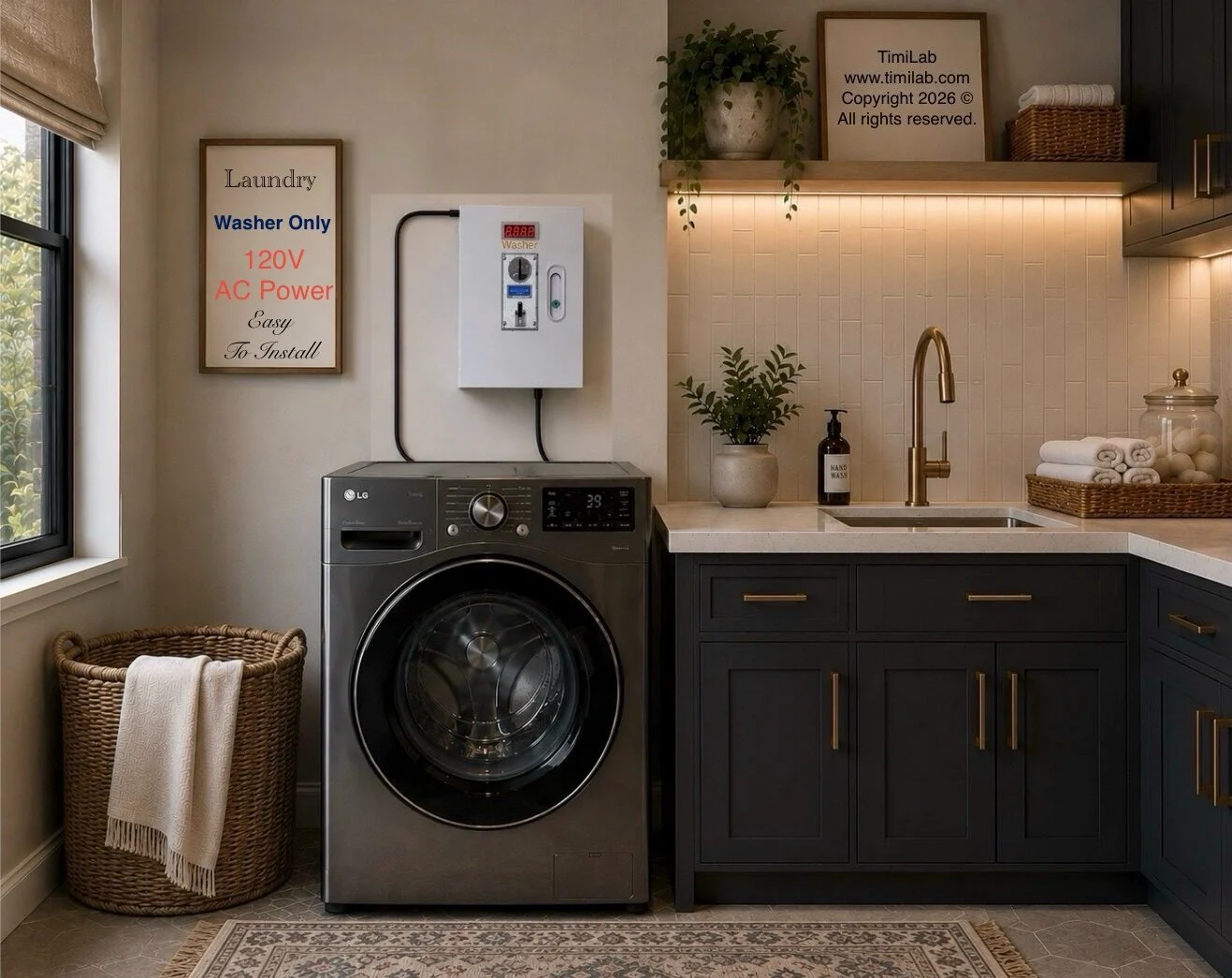
You can add coin-controlled operation to a compatible regular washer with an external laundry coin box. Instead of replacing the appliance, you connect it to a controller that manages paid access. The right setup starts with the washer’s electrical requirements and how its controls behave—not simply whether the plug fits.
For landlords with a working machine in a small shared laundry room, conversion can be a practical option to evaluate. This guide explains what to check, how to choose a TimiLab washer kit, and how to test the finished setup before tenants use it.
What does a washer conversion kit actually change?
A conversion kit adds payment control. It does not increase drum capacity, repair worn components, or change a residential appliance’s rated duty cycle. Your washer still handles filling, washing, draining, spinning, and its own safety functions.
The basic customer journey is: insert the required coins, follow the controller’s start instructions, select the washer program, and operate the washer as directed. Exact start behavior depends on the controller version and the appliance. Do not assume that inserting coins automatically selects and starts a wash program.
Check these four things before ordering
- Machine identification: photograph the model number and electrical rating label.
- Electrical connection: confirm voltage, current requirements, plug, outlet, and the controller’s ratings. The TimiLab stand-alone washer kit is listed for compatible 120V washers with a three-prong connection.
- Control behavior: ask TimiLab to confirm how the kit works with your washer’s electronic controls, start button, and cycle behavior.
- Machine condition: run a normal cycle first. Address drainage problems, leaks, and existing errors before adding payment control.
Send these details to TimiLab if anything is uncertain. A matching voltage alone does not establish complete compatibility, especially with combination appliances or unusual installations.
Choose a stand-alone or Wi-Fi washer kit
The TimiLab 120V Washer Kit is the starting point for a single compatible washer. The Wi-Fi & OLED Washer Kit adds a display and browser-based management features described on its product page.
Choose based on how you will manage the room. An owner who visits regularly may prioritize straightforward local operation. An owner who wants to inspect settings and recorded sessions from a device on the laundry network may prefer the Wi-Fi model. Confirm the exact features of the version being ordered; local network access does not automatically mean access from anywhere on the internet.
Prepare and test the installation
1. Use the instructions for your exact kit
Review the TimiLab setup instructions and the washer manual. Follow their power-disconnection and placement directions. Keep the controller and its connections dry, secure, accessible for service, and clear of moving or hot components. This overview does not replace the supplied installation instructions.
2. Connect only a confirmed compatible setup
Use the intended, correctly rated connections. If the outlet, wiring, grounding, or plug arrangement needs changing, have a qualified electrician assess it. Do not improvise adapters or bypass the appliance’s safety controls.
3. Configure the payment rule
Set the accepted coins and required payment using the instructions for your controller. Timer-based versions and versions with washer-cycle detection need different settings. Verify the correct method instead of copying a setting from another model.
4. Run a complete paid wash
Test the intended tenant sequence from coin insertion through a finished wash. Confirm the controller does not end access before the selected program finishes. Check a longer permitted program as well, then confirm the next customer can start a new session normally.
Make the tenant instructions clear
Post the wash price, accepted coins, operating steps, allowed programs, and a contact for payment or machine problems. Decide how you will handle a paid cycle that fails. A readable instruction card can prevent confusion that otherwise becomes a service call.
Frequently asked questions
Can every regular washer be converted?
No universal promise should replace a model check. Verify electrical ratings and operating behavior with TimiLab before ordering, including for stacked units and washer-dryer combinations.
Does a coin box make the washer commercial grade?
It adds paid access; it does not change the underlying washer’s construction, warranty terms, or intended usage level.
Do I need Wi-Fi?
Wi-Fi is not a requirement for every kit. TimiLab offers stand-alone options, and its Wi-Fi washer documentation also describes offline operation. Choose the version that fits your management needs.
Find the right washer kit
View the TimiLab 120V Washer Kit, or compare laundry conversion options. Have your washer model, rating label, and plug photos ready so compatibility can be checked before purchase.